
The best cycling app for tracking routes is the one that records clean GPS lines, doesn’t murder your battery, and makes it easy to reuse your favorite routes without turning every ride into a tech project.
If you’ve ever finished a ride and seen your track zigzag through buildings, drop half the miles, or refuse to sync to your watch or Strava, you already know why this matters: route tracking problems waste time and make your data unreliable, especially if you’re training or planning longer rides.
This guide focuses on what actually changes your day-to-day experience, GPS accuracy, offline reliability, safety tools, and how well an app plays with the rest of your setup, phone, bike computer, power meter, even your car’s Bluetooth.
What “best” really means for route tracking in 2026
People search for a “best” app, but they usually mean one of three things: accurate GPS, easy route planning, or reliable sharing and analysis. In practice, you want a balance, because the most detailed planner can still record a messy track, and the cleanest recorder can be annoying for navigation.
- Recording quality: stable GPS lines, consistent distance, good elevation handling.
- Navigation: turn-by-turn cues, rerouting behavior, and how readable the map feels while riding.
- Offline support: downloaded maps and offline route guidance for dead zones.
- Battery efficiency: smart GPS sampling, screen-off behavior, low-power modes.
- Integrations: Strava/Apple Health/Garmin/Wahoo exports and sensor support.
- Safety tools: live tracking, crash detection, or “send my location” options.
One more reality check: phone GPS quality varies by device and mounting position, so even the best cycling app for tracking routes can look worse if the phone sits under a metal top tube bag or overheats in direct sun.
Quick comparison: top apps riders usually shortlist
Rather than pretending there’s one winner for everyone, here’s a practical shortlist and what each tends to be good at. Pricing and exact feature availability can change, so treat this as a decision guide, not a frozen spec sheet.
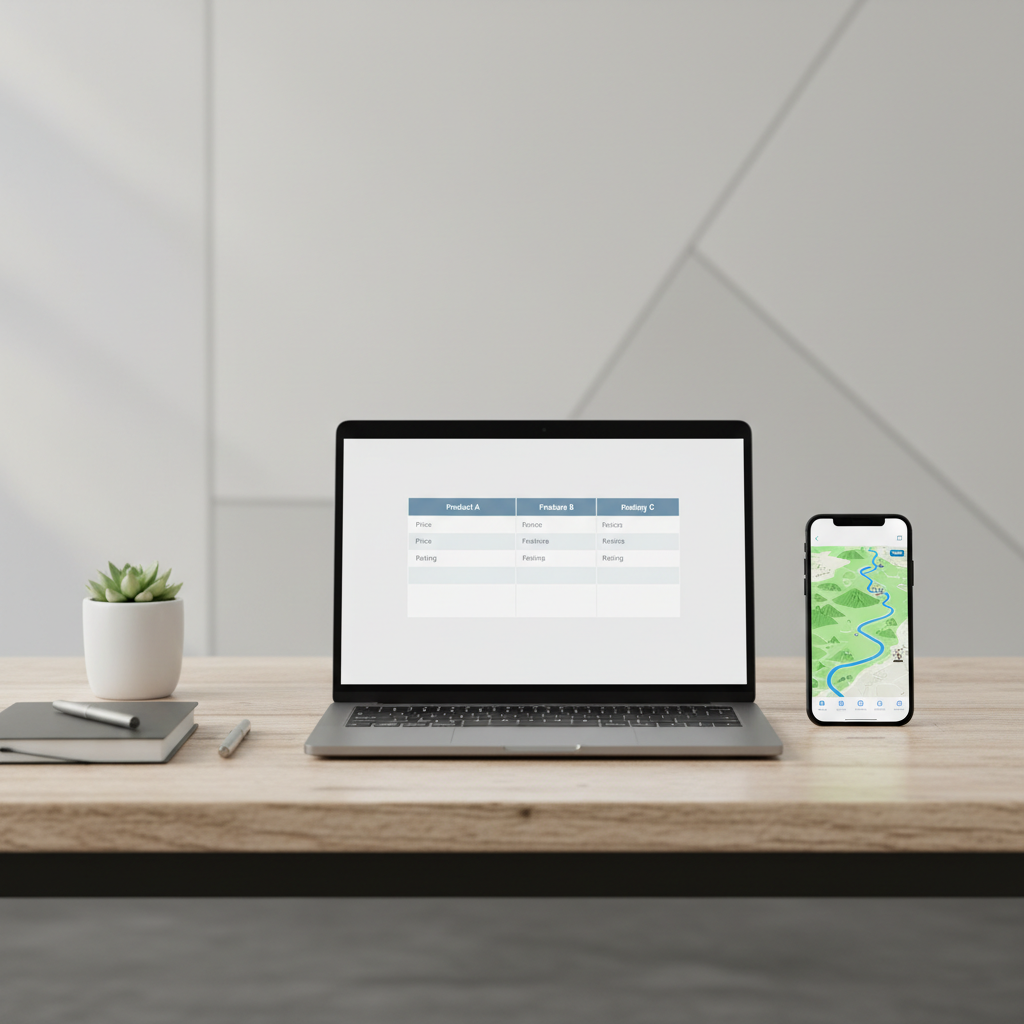
| App | Best for | Typical strengths | Watch-outs |
|---|---|---|---|
| Strava | Social + post-ride analysis | Easy sharing, segments, broad device ecosystem | Route tools and some analytics often sit behind subscription |
| Komoot | Route planning + navigation | Great planning UX, surface-aware routing, strong offline maps | Recording is solid, but many riders still pair it with another tracker |
| Ride with GPS | Serious route builders | Powerful route editing, cues, exports, club libraries | UI depth can feel “pro tool” more than “simple app” |
| Garmin Connect | Garmin users | Native device sync, health/training ecosystem | On-phone recording less central than device-based rides |
| Wahoo | Simple tracking + sensors | Clean recording, sensor friendly, straightforward | Route planning depth varies compared with dedicated planners |
How to choose the best cycling app for tracking routes (a fast checklist)
If you only want one section to read, make it this one. Pick the app that matches your riding reality, not your aspirational “I’m going to do epic tours every weekend” self.
Pick your primary use case
- Training rides and clean stats: prioritize accurate recording, sensor support, stable auto-pause.
- Exploring and navigation: prioritize offline maps, cue clarity, reroute behavior.
- Route library and events: prioritize route import/export (GPX), cue sheets, and sharing controls.
- Casual fitness: prioritize simplicity and battery life, and don’t overpay for deep analytics.
Check device + ecosystem fit
- If you already live in Garmin/Wahoo, the “best” app often becomes the one that exports cleanly and doesn’t fight your setup.
- If you ride with Apple Watch, confirm the watch app records GPS reliably and syncs without gaps.
- If you upload to Strava anyway, make sure the app sync feels boring, boring is good here.
Key point: you’re not only choosing an app, you’re choosing a workflow, record → review → save route → reuse route.
Why route tracks look wrong (and what to fix first)
Most “bad GPS” complaints aren’t actually mysterious. They’re usually a settings issue, a phone issue, or a mounting/overheating issue.
- Aggressive battery optimization: iOS Low Power Mode or Android battery restrictions can throttle GPS sampling.
- Permissions gaps: location set to “While Using” instead of “Always” can interrupt background recording.
- Urban canyons and tree cover: tall buildings and dense canopy create multipath errors, tracks jump sideways.
- Auto-pause misbehavior: stopping at lights can chop up the track or undercount time, depending on thresholds.
- Phone placement: buried in a jersey pocket under layers can reduce signal; mounted up front often improves consistency.
According to U.S. National Park Service (NPS), GPS accuracy can be affected by terrain, tree cover, and obstructions, which lines up with what cyclists see in cities and forests: your route line gets “nervous” even if you ride smoothly.
Setup that usually improves tracking in 10 minutes
You can get a noticeable upgrade without buying anything. These steps apply no matter which best cycling app for tracking routes you land on.
Phone settings that matter
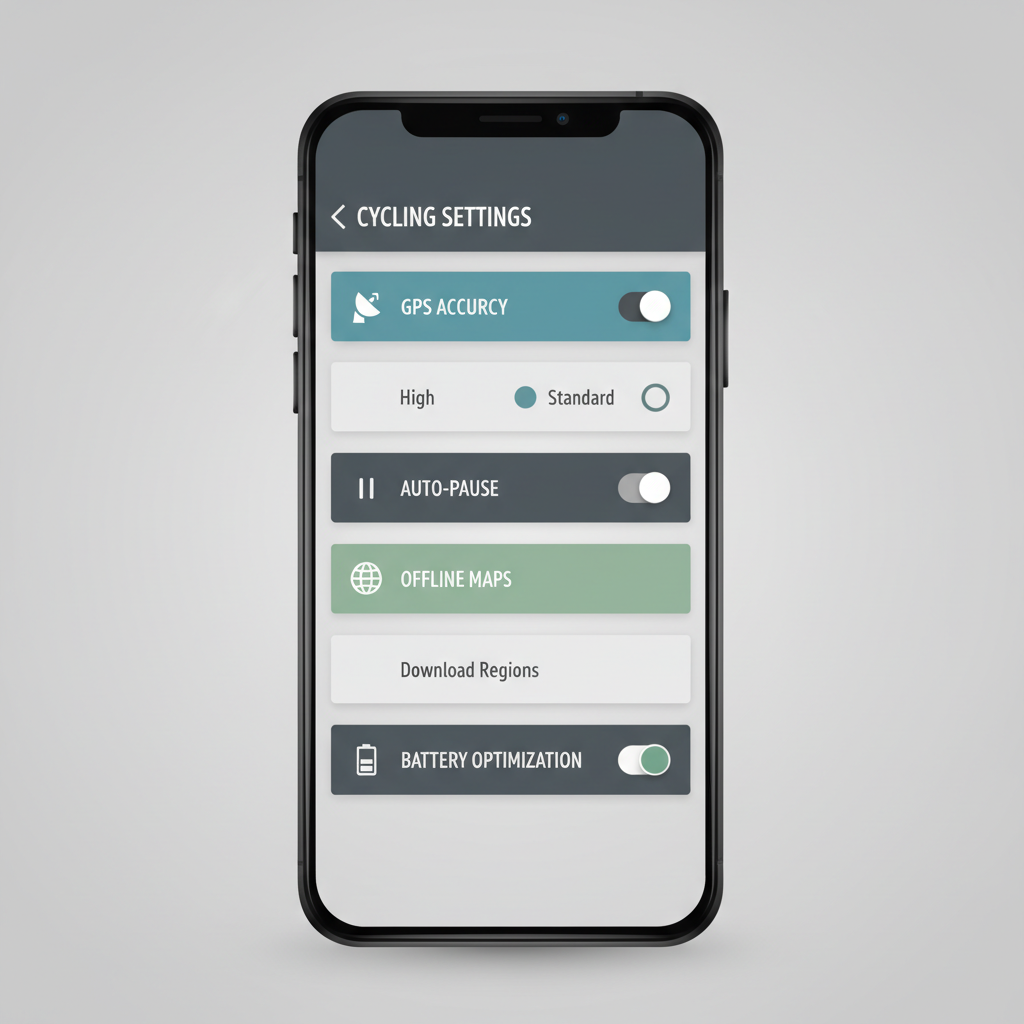
- Enable high-accuracy location when available, and allow precise location for the app.
- Turn off battery optimization for the tracking app on Android, and avoid Low Power Mode on iPhone during recording.
- Allow background location so the app doesn’t “sleep” when the screen turns off.
- Download offline maps for your area if you ride where coverage drops.
App settings to sanity-check
- GPS recording interval: set to “high accuracy” or “every second” if you care about clean corners and segments, but watch battery impact.
- Auto-pause: useful for stop-and-go commuting, but can distort training metrics; many riders disable it for workouts.
- Elevation source: if your app offers “correct elevation,” test it on a known climb, sometimes barometric and map-corrected values disagree.
Real-world scenarios and the app features that help
This is where people usually get unstuck, matching features to the ride type rather than chasing a “top ranked” list.
Commuting in a city
- What helps: stable auto-pause, quick start recording, simple rerouting, and clear audio cues.
- Tip: if your track jumps blocks in downtown areas, try mounting the phone higher and keeping the screen off while recording to reduce heat.
Gravel rides and rural exploring
- What helps: offline maps, route line contrast, and “back to start” navigation.
- Tip: bring a backup power plan for long rides, a small battery pack often beats running max brightness all day.
Training with sensors
- What helps: Bluetooth/ANT+ sensor pairing, lap functions, reliable exports to training platforms.
- Tip: if you use a dedicated bike computer, the “best cycling app for tracking routes” may simply be the one that organizes and visualizes rides after sync.
Group rides and safety-minded tracking
- What helps: live tracking links, easy share controls, and a clear “start/stop” UX when you’re distracted.
- Safety note: crash detection and emergency features can help, but they’re not a guarantee, if you have medical concerns or ride high-risk terrain, consider discussing plans with a qualified professional.
Practical workflow: from recording to saving a route you’ll actually reuse
Most riders do step one and forget the rest. A simple loop makes the app feel “worth it” instead of another notification machine.
- Record: start before you roll, wait a few seconds for GPS lock if you can.
- Review: check distance, moving time, and whether the line looks sane.
- Fix: correct elevation if needed, rename the ride with a consistent format.
- Extract: save as a route, not just an activity, so you can navigate it later.
- Export: keep a GPX copy for events or device transfers, future you will thank you.
Key takeaway: if an app makes “save route from ride” painful, it’s probably not the right pick for frequent repeat loops, even if the tracking is decent.
Common mistakes that make good apps feel bad
A few patterns show up again and again, and they’re frustrating because the fix is rarely “switch apps.”
- Testing everything on one ride: changing five settings at once makes it impossible to know what helped.
- Judging accuracy by one bad corner: short GPS glitches happen, focus on consistent distance and overall line quality.
- Ignoring heat: phones can throttle in summer, which can degrade GPS and battery; shade and screen-off recording often help.
- Over-trusting turn-by-turn: navigation cues can lag in dense areas, keep basic situational awareness and avoid risky last-second turns.
According to Centers for Disease Control and Prevention (CDC), wearing a helmet and following traffic safety practices can reduce injury risk; even if your app offers navigation and alerts, it should support safe decisions, not replace them.
Conclusion: what to do next
If you want a clean, low-drama answer, start by deciding whether you care more about planning or recording, then pick one app that’s strong at that job and make sure it syncs cleanly to your “home base” platform.
- If you mostly want exploration + navigation, test Komoot or Ride with GPS on one familiar loop, then one new route.
- If you mostly want simple tracking + sharing, Strava is hard to ignore, but tune your phone settings before blaming the app.
- If you ride with a bike computer, prioritize workflow and exports; the best cycling app for tracking routes is the one you’ll actually open after the ride.
If you do one thing today, do this: record a 20-minute test ride, then review the track line and battery drop, that quick check tells you more than any app store rating.
FAQ
- What is the best cycling app for tracking routes if I don’t have cell service?
Look for offline maps and offline navigation, not just offline recording. Many apps can record without service, but navigation needs downloaded maps to stay useful. - Why does my recorded route look jagged or cut through buildings?
This often happens in dense cities, under heavy tree cover, or when battery optimization reduces GPS sampling. Try higher-accuracy location settings and avoid low power modes during rides. - Do I need a bike computer if I already track with my phone?
Not always. A bike computer can be more consistent for long rides and heat, but if your phone setup is stable and you’re happy with battery life, a phone-based tracker may be enough. - How can I share my route with friends without sharing my home address?
Use privacy zones and start/finish trimming when available. Many platforms let you hide the first and last portion of a track so your exact address doesn’t appear. - Is auto-pause good or bad for route tracking?
Good for commuting and casual rides because it cleans up stop time. For structured training, it can distort intervals and recovery timing, so many riders keep it off. - Which file format should I export for routes?
GPX is the most broadly compatible for routes and tracks. If you’re moving between platforms or devices, exporting GPX usually avoids headaches. - Can route tracking apps improve safety on rides?
Live tracking and incident alerts can help in many situations, but they’re not foolproof. Use them as a backup layer alongside common-sense riding practices.
If you’re juggling a phone app, a watch, and a bike computer and still not getting clean tracks, it might be time to simplify your setup, pick one “source of truth,” and build a repeatable routine around it, that’s usually when route tracking starts feeling effortless.